When to Send an Invoice: Before vs. After the Job (2026)
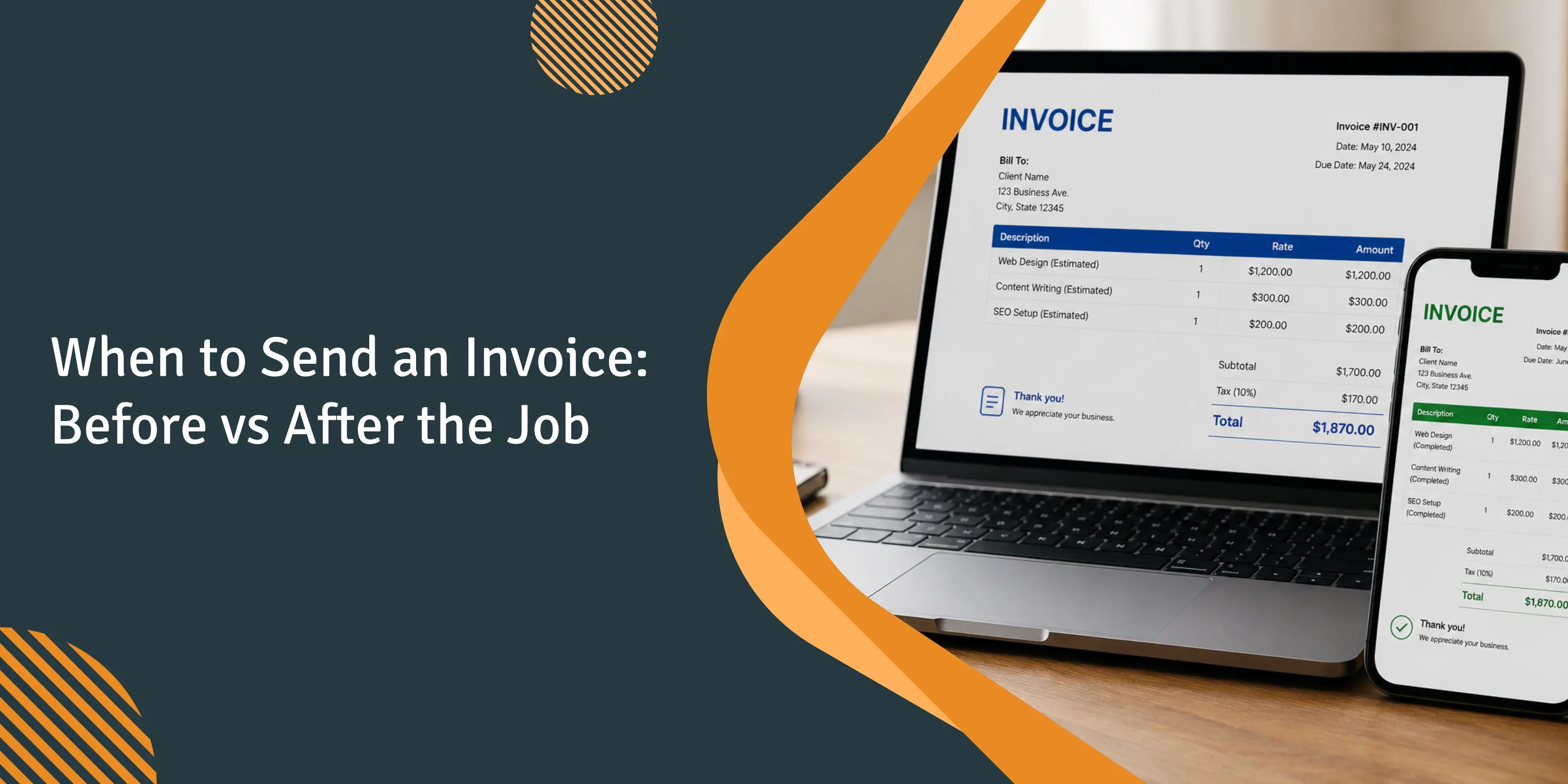
Why does invoice timing keep your Friday payroll up at 9pm?
Imagine a 6-tech residential plumbing shop where the owner is on the truck five to seven days per week. His wife manages the books from the kitchen table on Sundays. Three customers who were serviced two weeks ago have not yet been paid. The invoices were only sent on Tuesday, when she finally had time to process them. In practice, net-30 terms often become net-50. Payments are typically made around the 15th of the month.
Owners on Quora and small-business forums describe this constantly: chronic late payments, customers blowing past net-30, unpredictable cash. Per the 2025 Intuit QuickBooks Small Business Late Payments Report, 56% of US small businesses are sitting on overdue invoices averaging $17,500. The shops that escape that math have fixed rules for when the invoice goes out, not just how it's sent.
Why do most shops invoice after the job is done?
Customers expect it. They want the work completed and approved before any payment is made. The problem isn't the after-job model. It's that "after the job" usually means "plus three evenings of paperwork, plus the weekend the owner's spouse gets around to it."
Shops running back-office batch invoicing typically see a 2-3 day lag between job completion and the invoice leaving the office. Atradius's 2024 Payment Practices Barometer found 55% of US B2B invoices end up overdue. Owners who shave that lag down to about 10 minutes get paid roughly 2x faster, because the customer's intent to pay is highest right when the work is fresh.
The Federal Reserve's 2024 Report on Payments found roughly four of every five small firms face challenges related to customer payments, and 51% of small employer firms reported uneven cash flow as a financial challenge. The same Atradius barometer puts the average overdue US B2B invoice at 20 days past its original terms, with 8% of B2B credit sales written off as bad debt. Invoice timing isn't a billing question. It's a liquidity question.
When should you invoice on the spot?
For service calls (HVAC, plumbing, handyman, electrical, pest control), on-site billing is the way to go. After the technician finishes the job, he creates an invoice using saved line items, obtains a signature, and either receives payment on the spot or emails a single-click payment link before leaving the driveway.
On-site invoices remove the chase entirely - most customers pay before the truck leaves the driveway.
The discipline that matters here is the on-site follow-up. Before the invoice goes out, confirm with the customer that the work meets expectations. That's the cheapest dispute prevention available. A two-minute walkthrough at the truck saves a 45-minute back-and-forth two weeks later. By the time the truck pulls out, the receivable is either closed or has a clean clock running. Use saved line items and a fixed invoice format so nothing gets keyed twice; the full field-service invoice checklist is in How to Write an Invoice for Field Service.
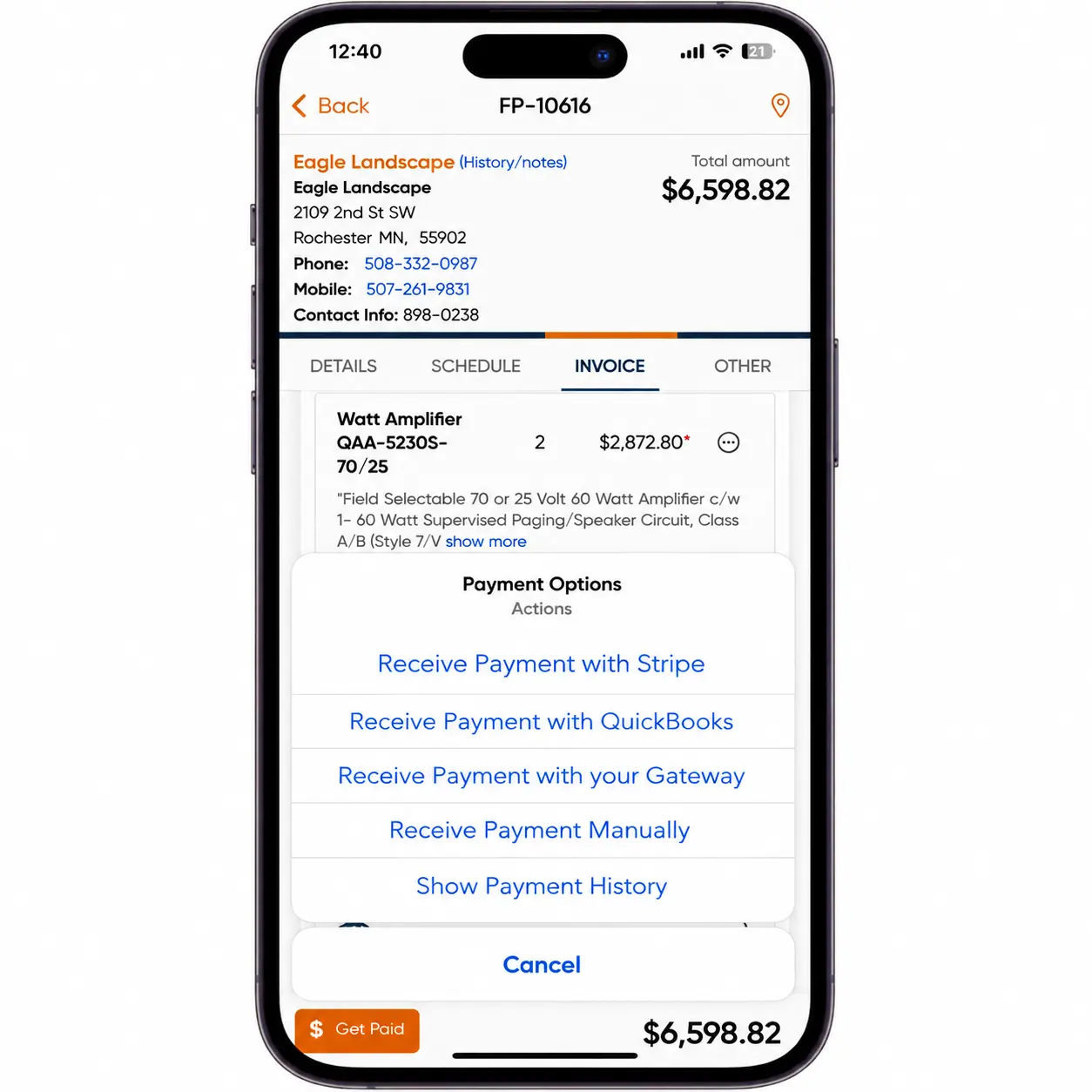
Mobile-app adoption by your techs is the single biggest predictor of whether this sticks. If two of six techs refuse to use the phone, the office still rebuilds their invoices manually. The Field Promax mobile app is built around that adoption problem: a clipboard tech can run an invoice in under a minute on the second visit.
What we hear from plumbing and HVAC owners almost every week is some version of: "My wife does invoicing on Sunday because that's when we both have time, and we're losing money on jobs we finished ten days ago." The math on a 5-tech shop is brutal. If your average ticket is $400 and you're carrying 30 unpaid invoices, that's $12,000 sitting in someone else's bank account. Enterprise-tier platforms are built for shops with a dedicated AR clerk; we're built for the shop where the owner's spouse is the AR clerk, dispatcher, and payroll lead. The fix isn't more reports. It's getting the invoice in the customer's hand before the truck leaves the driveway.
- Joy Gomez, Founder of Field Promax
The cost economics favor taking payment at the job site. ACH transactions cost a median of $0.26 to $0.50 per transaction, according to the AFP Payments Cost Benchmarking Survey summarized by Nacha. Card processing runs higher, typically 2.5 to 3.5%, but the math works when weighed against bad debt: check-only shops in our customer base routinely write off 3-5% of receivables, while shops accepting card and ACH at the job site see write-offs settle closer to 1%. Shops that list the card fee as a separate line item have largely stopped getting pushback. Most homeowners will pay 3% to settle a $400 service call in 90 seconds rather than write a check.
That speed compounds. Across a 10-tech shop running four or five jobs per tech per day, every 90 seconds shaved off invoicing at each stop adds up to a full hour of productive capacity daily.
A pattern we've seen across small residential contractors
For small contractors we’ve worked with since 2019, the same QuickBooks-only setup continues to be used in shops with fewer than 10 technicians. Estimates are updated line by line, since previous estimates are rarely saved as reusable templates. Referral source dropdowns are often left empty in most new entries. The typical shop structure includes an owner-operator, six technicians, and one part-time administrator. In most cases, the owner is responsible for both bookkeeping and estimates.
In late spring, the man was working two nights each week, rewriting estimates that were nearly identical to those he had prepared the previous month. When reviewing his Google Ads renewal, he was unable to distinguish which jobs were driven by ads and which came from word-of-mouth in his client database.
Over the course of a weekend, he designed six estimated templates by job type and stored them as reusable templates in QuickBooks. He also created a strict referral source tagging rule: no estimate is sent until the customer record includes a source, even if the value is marked as “unknown.” The referral source dropdown initially contained fifteen options, but he reduced it to seven after two weeks, as the longer list was not being used.
Estimate turnaround tightened to about half by the end of month two. During the first eight weeks, the tagging process was inconsistent; the administrator allowed rush jobs to go through without proper source tagging until the owner began returning incomplete records. Backfilling historical customers did not really happen, and accounts that existed previously still have empty source fields.
The same template-and-tagging discipline carries directly into invoicing: standardize the form, make the field required, and stop letting rush jobs blow up the rule.
When does invoicing within 1-2 days make sense?
For larger jobs (full HVAC replacement, multi-day landscaping, painting an area of 4,000 square feet), on-site invoices are not always practical because the final scope is often altered after the walkthrough. The follow-up timeframe is 24 to 48 hours and is typically accompanied by an email confirming satisfaction and outlining a specific due date.
Net-30 is the published industry norm for residential and smaller commercial work, per PHCC and HVAC payment-terms guidance. Shops still mailing paper invoices regularly watch DSO stretch past 60 days. Owners who switched to digital invoicing with integrated payments tell us that the gap collapses closer to 20 days. The Field Promax invoicing software handles the digital send, auto-reminder cadence, and QuickBooks sync as a single workflow.
Payment terms set the clock, but the written term matters less than the payment path. The QuickBooks 2025 Late Payments Report found businesses requiring payment on receipt were 20% less likely to rely on credit cards, lines of credit, or business loans than those offering Net-30 or longer. The shops getting paid fastest aren't the ones with the tightest terms. They're the ones whose invoice arrives with a one-click pay link and a card or ACH option attached. "I have to write a check, find a stamp, and mail it" silently adds two weeks to every paper invoice cycle.
If an invoice slipped through and never went out, the recovery move is simple: call the customer, explain what happened, and confirm the work was delivered. Most customers will pay a late-issued invoice without argument if they can verify the work, which is why digital proof of work (photos and signed completion forms) matters as much as the invoice itself. Don't try to fix a paperwork slip by altering the invoice date.
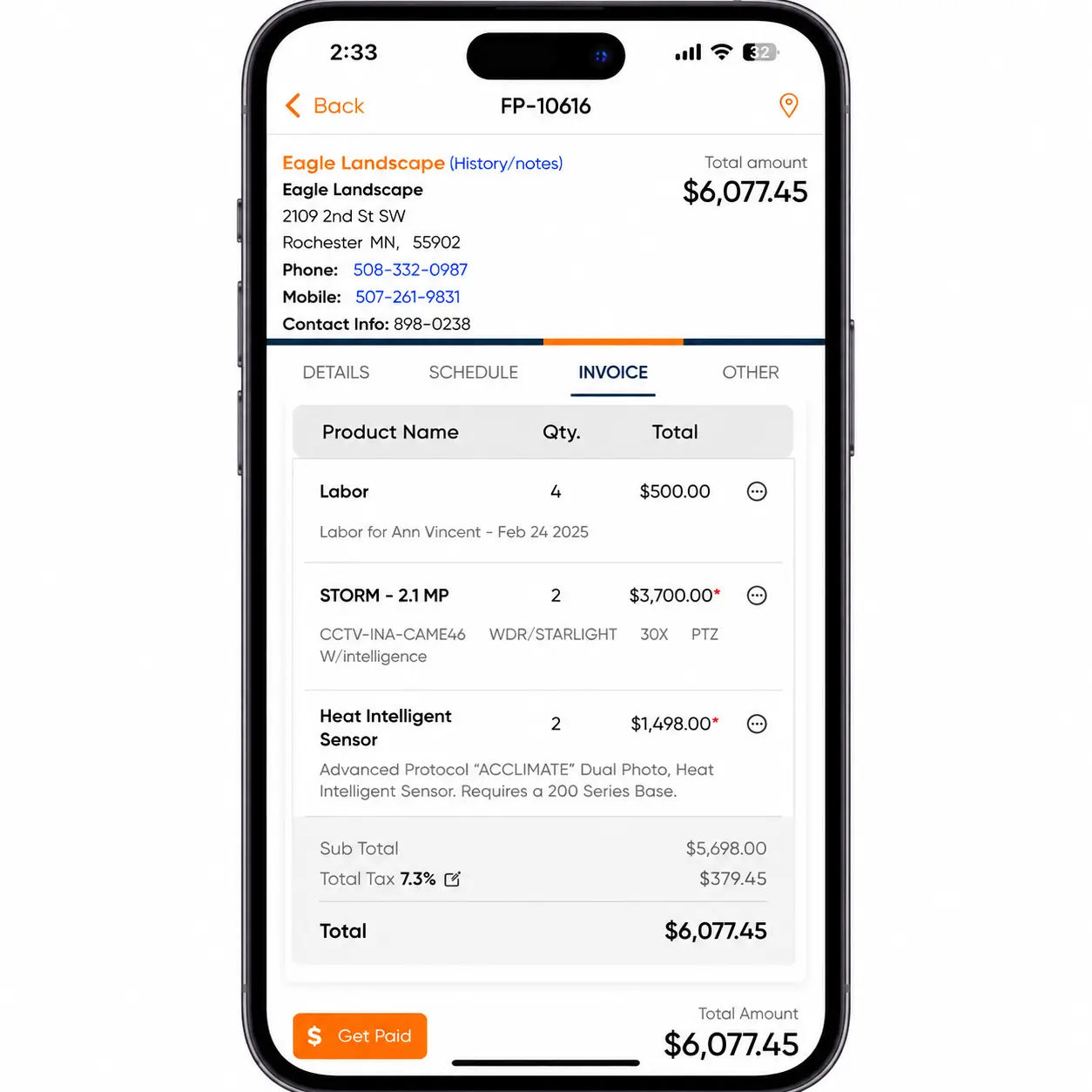
How should recurring service contracts be billed?
The routes for pest control, lawn maintenance, regular HVAC inspections, pool service, and routine cleaning should be included in a schedule of recurring invoices that auto-charges a stored payment method.
On contractor forums, those operating recurring billing models regularly comment on how fragile the system can be. Cards expire, ACH payments get returned, and auto-charges are silently canceled, causing revenue to decline without anyone noticing over a period of two years. Owners running 200+ recurring accounts can't manually babysit each one, so the failure-recovery workflow (retry rules, customer notifications, fallback payment method) matters more than the initial setup. Tie recurring billing to your QuickBooks integration so failed charges flag in the AR report instead of vanishing.
When does pre-job invoicing actually pay off?
Pre-job invoicing is appropriate only in a few situations.
- Major investment in material (water heater switch, complete HVAC installation and generator).
- New customer with no credit card record.
- A multi-week project with milestone deliverables.
- Customer with a history of late payments.
- Value of a contract that is greater than a certain threshold ($5,000+ residential or $10,000+ for commercial).
For a typical 5-20 tech plumbing shop, the most common structure is 50% deposit on installs and 0% on service calls. Roughly 10% of manually-keyed invoices come back for correction or dispute (wrong parts, missed line items, mistyped hours), which is exactly the friction a milestone-based structure helps avoid because the customer signs off on each chunk before the next starts.
The cleanest structure for the deposit case is two invoices: a deposit invoice before the work starts and a final invoice after wrap-up. When upfront invoicing is the right call, the benefits stack:
- Predictable cash flow. Money clears before the job starts, not 30 days after.
- Materials covered. You're not floating $4,000 of equipment on a credit card.
- Customer commitment. A customer who's paid a deposit is harder to lose to a competing bid.
- Cleaner scheduling. Once the deposit is in, you can order materials and slot the install without a "tentative" tag.
- Easier customer budgeting. Customers paying in stages absorb the cost more comfortably than getting a five-figure invoice at the end.
- Faster dispute resolution. Scope and price get committed before work starts, not after.
The tradeoff: not every customer will sign a deposit agreement on a small job, and pushing upfront billing on a $300 service call will cost you that customer. Two working rules cover most shops. By contract value, anything over $5,000 residential or $10,000 commercial gets a deposit. By materials, anything over roughly $1,500 in parts and equipment is a deposit conversation regardless of the total ticket.
The pattern that goes wrong is converting mid-job to upfront billing because cash got tight. That's a relationship problem, not an invoicing problem, and it's better solved by tightening the dispatch-to-invoice cycle than by changing terms on an active customer.
Picking the right invoice timing for your shop
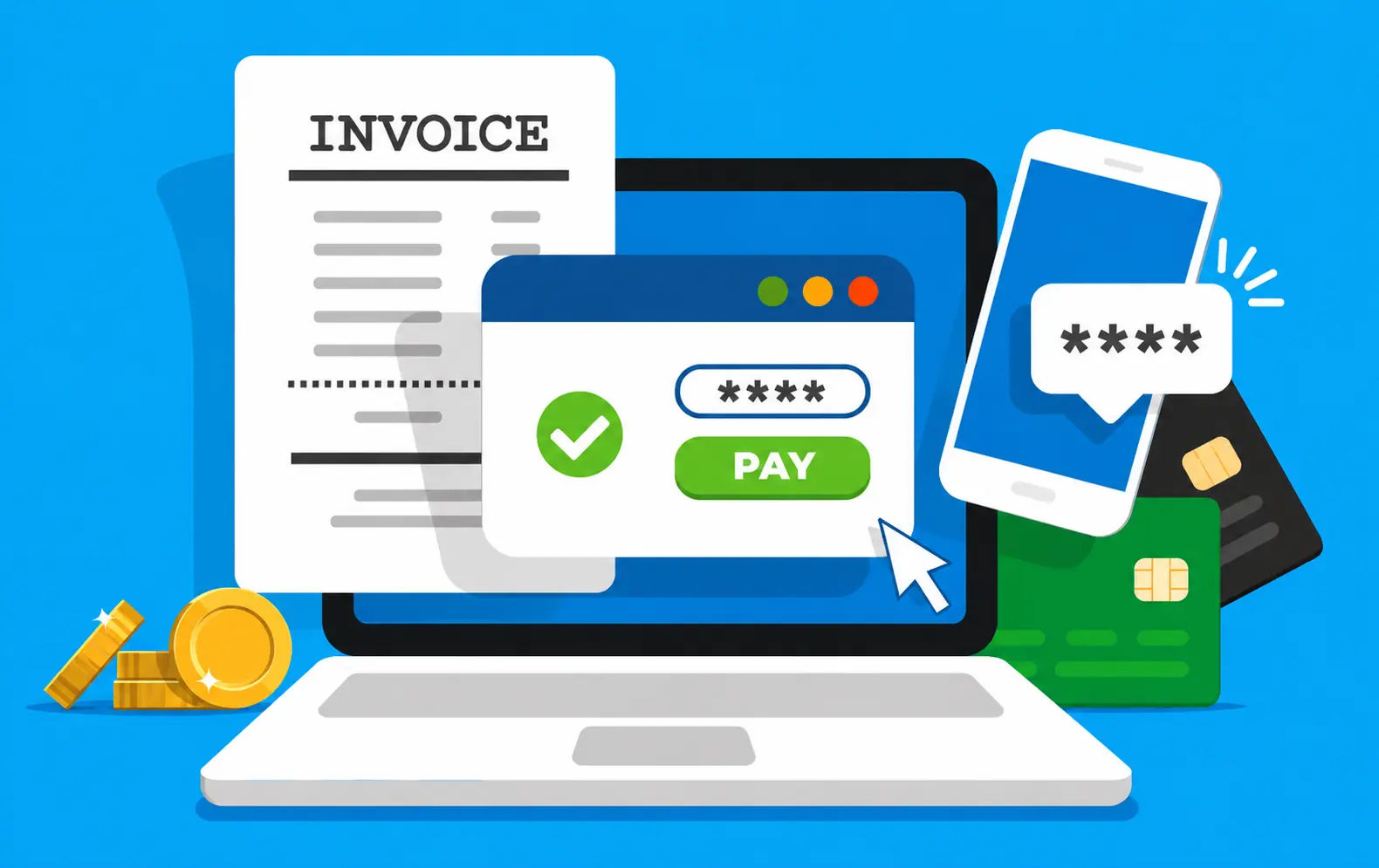
Service calls are invoiced on-site. Larger jobs are invoiced within 48 hours. Contracts are billed on a recurring automated schedule. Installations with high costs or higher-risk customers require a pre-job deposit.
The shops paid in 20 days instead of 60 aren't running fancier software. They're running tighter rules about when the invoice leaves and how the customer is allowed to pay. Write the rule down.
Before or after payment? Invoices, receipts, and the backdating trap
Owners who search "do you send an invoice before or after payment" are usually asking a vocabulary question. An invoice is an itemized request for payment: services delivered, parts, labor hours, taxes, total owed. The biller sends it, and the customer calls the same document a bill. A receipt is proof that payment has already cleared. The sequence is fixed: invoice goes out, payment comes in, receipt confirms.
So in nearly all field service work, the invoice goes out before payment. After payment, the correct document is a receipt, not another invoice. The one legitimate exception is the deposit case: the customer pays a deposit Monday, the work happens Wednesday, and the invoice documenting both the deposit and the balance due is generated Wednesday afternoon. That isn't backdating. It's accurate recordkeeping.
True backdating is a different category. The IRS Internal Revenue Manual section 25.1.2.3 lists "back-dated or post-dated documents; false invoices, false applications, false statements" among the indicators of fraud in books and records. Under IRC §6663 the civil fraud penalty is 75% of the underpayment, and under §6501(c)(1) there is no statute of limitations on a fraudulent return.
Backdating rarely happens on purpose. An invoice slips through the cracks for a month, the owner finally notices, and the office admin dates it to look like it went out on time. Repeated quarterly, that habit is the audit problem. The rule that keeps shops clean: the invoice date always matches the actual date the work was completed, regardless of when the document was finalized. If an invoice didn't go out on time, issue it today, dated today, with a note explaining the delay.
A receipt issued after payment is fine. An invoice dated after the work was completed is fine. An invoice dated before the work actually happened is the problem.
Invoice timing benchmarks: where do most shops stand?
| KPI | Industry Average | Best-in-Class Target | Source |
| Days Sales Outstanding - residential trades | 35-67 days | Under 10 days | Industry benchmarks, 2025 |
| % invoices paid within 7 days of issue | ~20-25% | 60%+ | Achievable with same-day mobile invoicing |
| Invoice lag (job complete to invoice sent) | 1-3 days | Same day, under 1 hour | Field service operator data |
| % jobs with invoices 30+ days outstanding | 47% | Under 10% | QuickBooks Late Payments Report, 2025 |
| Avg annual cost of late payments per company | $39,406 | Under $5,000 | Gateway Commercial Finance survey, 2025 |
| Manual vs. automated invoice processing cost | $22.75/invoice (manual) | $2-4 (automated) | Kaplan Group, 2025 |
| Year | % Late Invoices (US) | Avg DSO - Trades | Mobile Invoicing Adoption |
| 2020 | ~40% | 52 days | Low - cash and paper-based dominated |
| 2021 | ~43% | 55 days | Growing - contactless payment push |
| 2022 | ~46% | 58 days | Accelerating - 40-50% of trade SMBs |
| 2023 | ~50% | 62 days | Mainstream among tech-forward shops |
| 2024 | 50-55% | 65 days | Standard expectation for most trades |
| 2025 | 56% owed unpaid (avg $17,500) | 67 days | 80%+ SMB owners on mobile daily |
More on invoicing & payments
Conclusion
Match the rule to the job. Then hold it like it's not yours to bend.
The shops collecting in 20 days aren't smarter, they're just done having the same argument with themselves at 11pm. They wrote the rule once. Now it runs without them.
The new part nobody says out loud: the rule isn't really about timing it's about identity. When you negotiate your own terms in your head, you're not being flexible, you're signaling (to yourself, to the client) that the number was soft to begin with. Rigid systems don't chase invoices. Businesses with soft self-images do.
Pick the window. Write it down. Treat the first exception like the threat it actually is.
And stop treating invoicing as an accounting function. It's a dispatch function. The invoice is the closing step of the job, not the opening step of the back office.
Frequently Asked Questions

Content Creator
Bhargavi Halthore is a content writer at Field Promax, a field service management platform serving trades businesses across the USA and Canada. With over a decade of experience writing for business owners, she brings detailed, ground-level insight to every topic she covers. Her research goes beyond search results - she digs into LinkedIn groups, Facebook communities, and Reddit forums to understand what field service business owners are actually dealing with on the ground. She speaks directly with industry professionals, understands their day-to-day challenges, and translates that into content that is practical and actionable. What you read in her articles reflects real industry patterns, not theory.